Extensive Geospatial Format Support
Import leading GIS industry formats from Esri, Google, MapInfo, WFS/WMS services, and other GIS sources with all attributes and georeferencing intact and fully editable. See all supported import formats.
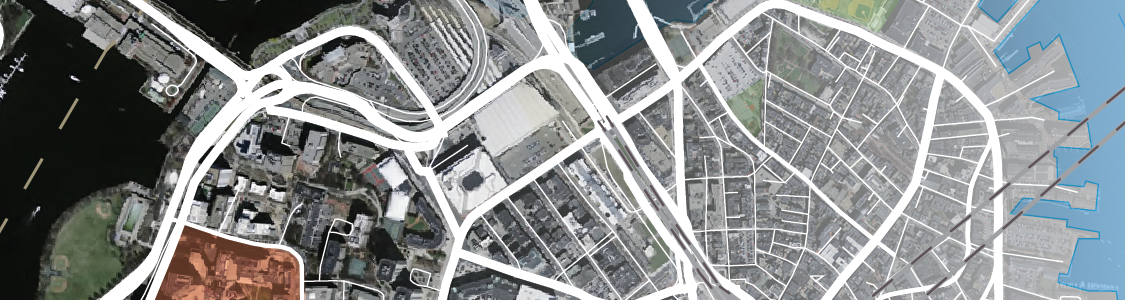

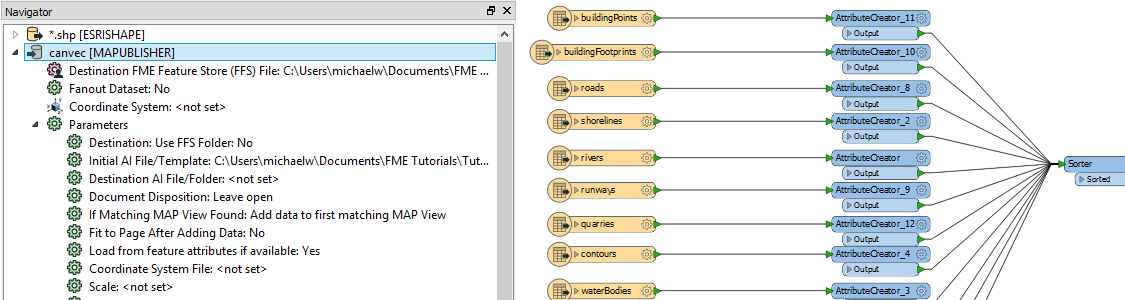
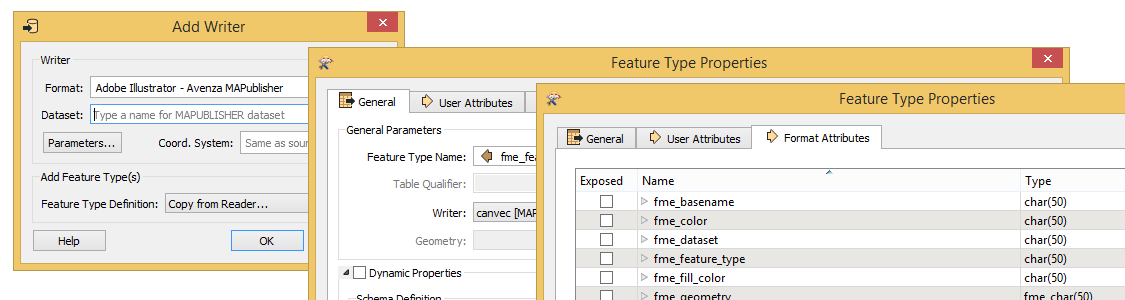
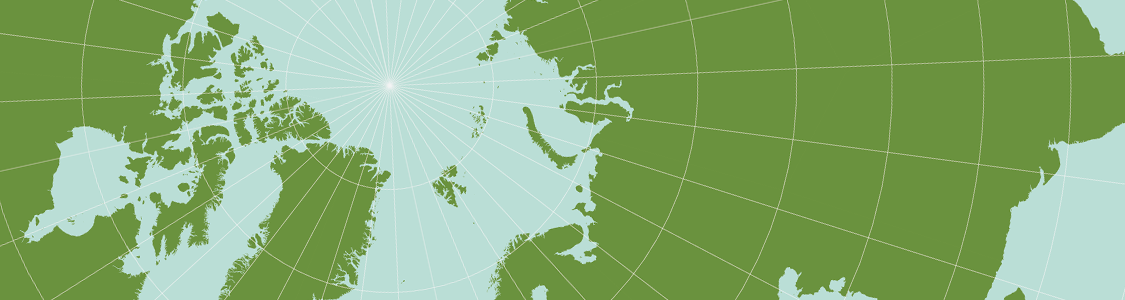
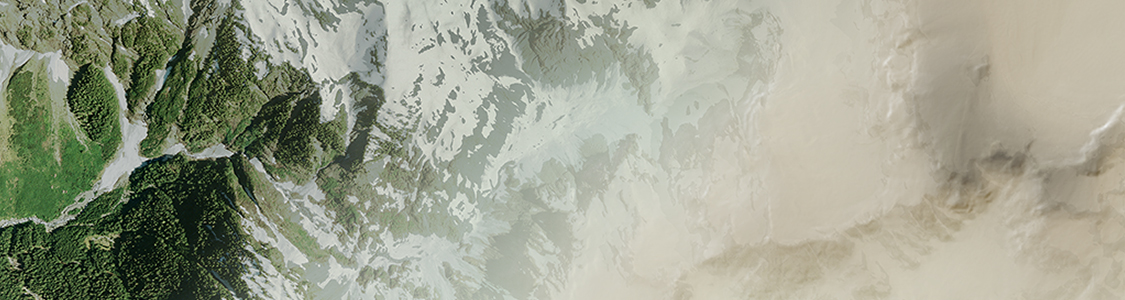
Import leading GIS industry formats from Esri, Google, MapInfo, WFS/WMS services, and other GIS sources with all attributes and georeferencing intact and fully editable. See all supported import formats. MAPublisher FME Auto (Windows only) provides FME Desktop with an Adobe Illustrator – MAPublisher writer. In FME Desktop, use the writer to translate GIS data formats for use with MAPublisher. Create workflows in FME and then use pre-designed Adobe Illustrator templates, auto-assigned layers, and prepared MAP Themes to generate maps. MAPublisher FME Auto also gives you the ability to import FME Feature Store (FFS) files independently. Import them using MAPublisher Simple or Advanced import like any other supported GIS format. Alternatively, use FME Desktop to translate data and export to Adobe Illustrator. Using the appropriate map projection is crucial for any map design. Fortunately, MAPublisher supports thousands of coordinate systems and projections to help you display data accurately. Georeference images easily by adding control points and assigning world coordinates interactively. Review residual errors and detect coordinate system to reference and rectify images. Manually add control points, import or export points from a text file, and view accuracy and errors. Use the Quick Georeference option to make georeferencing even easier. Extensive support for thousands of geographic and projected coordinate systems. Easily transform between geodetic and projected coordinate systems. Need to define your own coordinate system? Create one or edit an existing definition and save it for future use. Manage custom transformations in an easy to use coordinate system browser. Snapping images together not working? Mosaic individual images to create a seamless image. Mosaicked images retain spatial referencing and can be individually modified using Adobe Photoshop tools and transformed using Geographic Imager. Tile an image into multiple images by tile size or count and automatically save them using sequential naming. Image tiles retain spatial referencing making it ideal to import into MAPublisher and other third-party applications without any trouble. Import DEM formats such as BIL, USGS DEM, Esri GRID, Military Elevation Data/DTED, SRTM and more. Assign a DEM Schema during import for easier rendering and create shaded relief maps quickly and easily using the Terrain Shader feature. Control intensity and lighting source. Define elevation intervals for custom colour ramps. Save spatial images to many industry-standard formats including GeoTIFF and MrSID. Export to web tiles to generate images that are compatible with Google Maps, OpenStreetMap, MapBox and more. Quick Save feature allows you to quickly save to popular geospatial formats including geospatial PDF. See a complete list of supported formats.Import
Extensive Geospatial Format Support
Configuration
Translate data from FME to Adobe Illustrator
FFS Import
Import FFS files into Adobe Illustrator using MAPublisher
Transform
One World, Many Map Projections
Georeference
True Spatial-Awareness
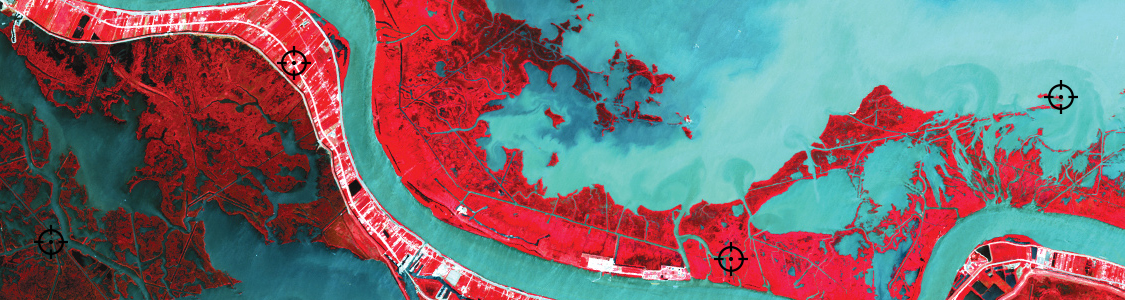
Transform
Accurate Map Projections
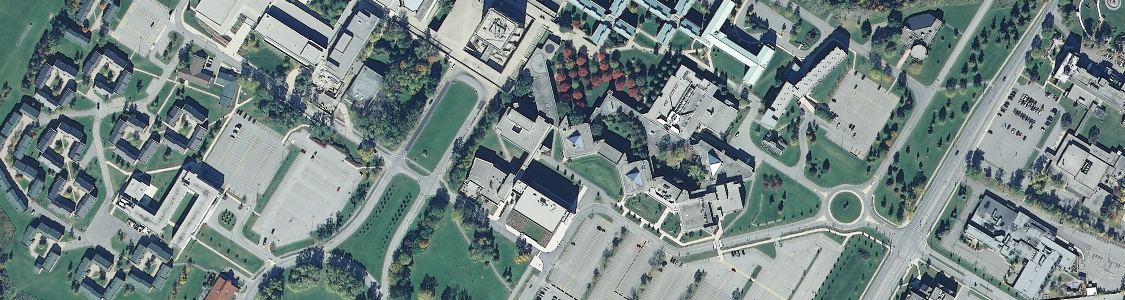
Mosaic
Mosaic Like a Pro
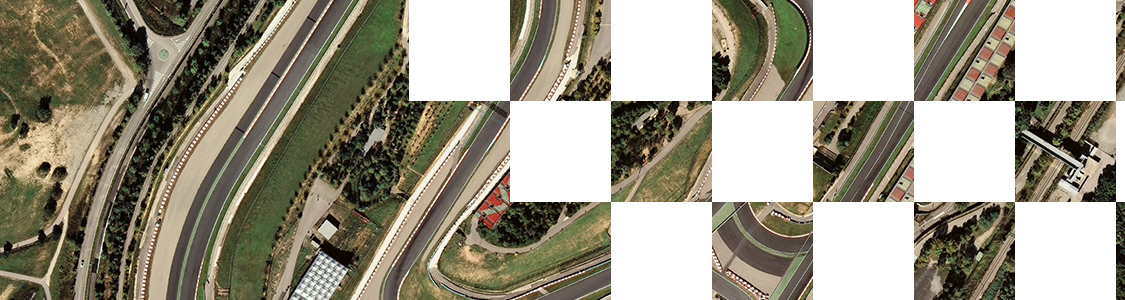
Tile
Tile Faster Than Saying “Tile”
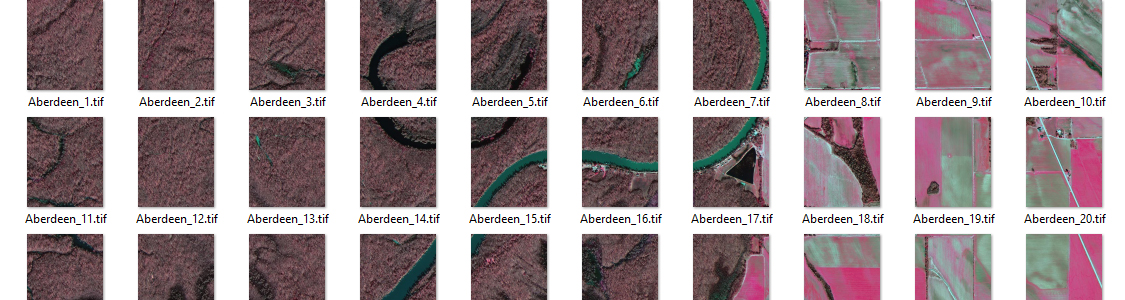
Style
Dynamically Control DEM Shading
Export
Export, Share, Use