Automation saves you time. Easily automate the data import process using a combination of the configurations in FME and the MAPublisher Automation feature.
Articles
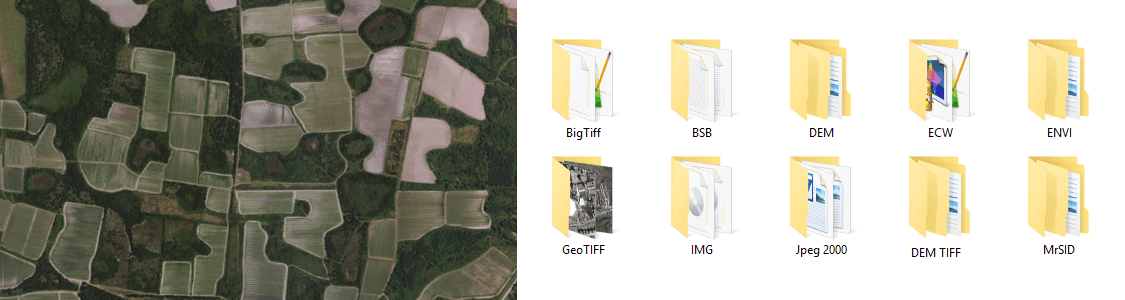
MAPublisher and Adobe Illustrator together form the complete cartographic workflow—from raw data to publishing a high-quality map; and everything in between. Combine powerful graphic design tools and the geospatial precision of MAPublisher tools to build visually-rich maps. The Adobe Illustrator – MAPublisher writer in FME has many configurable parameters to customize the import process. Import your data to template files to reduce repetitive mapping. MAPublisher is available on Mac and Windows and is compatible with the latest Adobe Illustrator release, ensuring the latest graphic design tools are at your disposal. Licenses available as both fixed single and floating. Floating licenses are cost-effective for any commercial, academic, or non-profit organization. Spatial imaging tools When Map Quality Matters® Download the free Avenza Maps app from these app stores Any image format that can be opened and displayed by Adobe Photoshop can form the basis for a spatial image. Import industry-used spatial images formats such as GeoTIFF, MrSID, NITF, PCI and more. Import digital elevation formats such as Esri GRID, BIL, USGS DEM and more. See all supported formats.
Cartographic Workflow
Configurable Parameters
Highly Compatible
Product Callout
for Adobe Photoshop®Product Callout
Product Callout
Product Callout
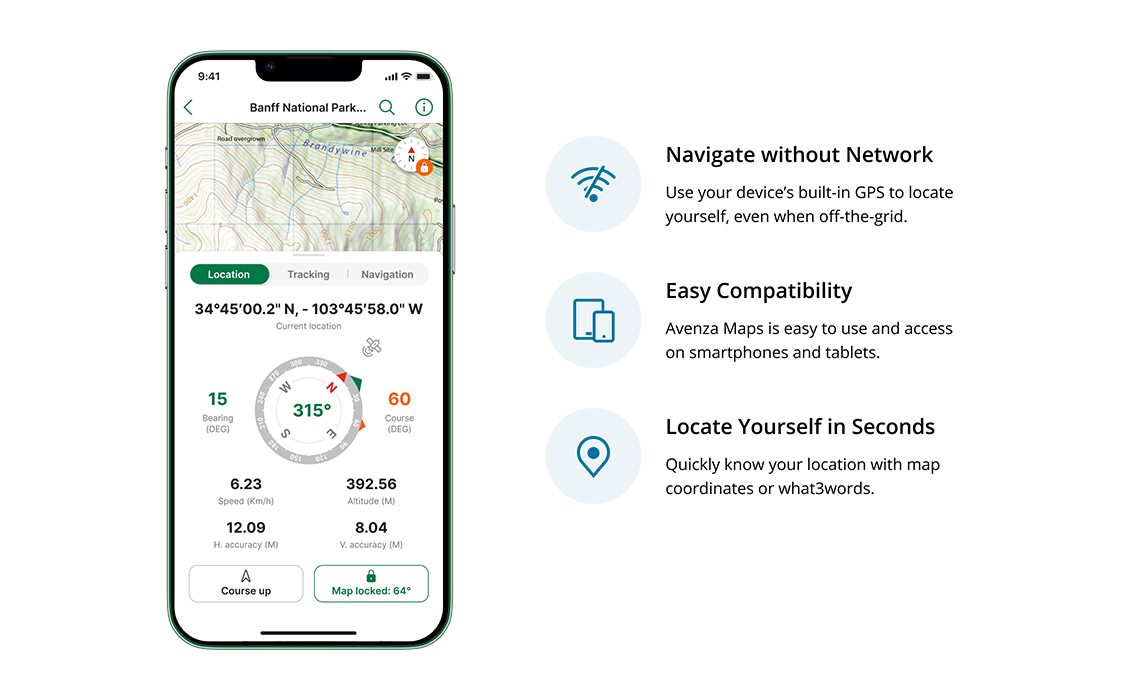
Download the app
Available on iOS and Android


Import
Extensive Geospatial Image Support